
What is a Sequence?
A sequence is a queue of playlists that play in order, one after another, until the sequence ends and loops back to the beginning. Unlike schedules that repeat based on time, sequences play through their playlists in order before looping again.
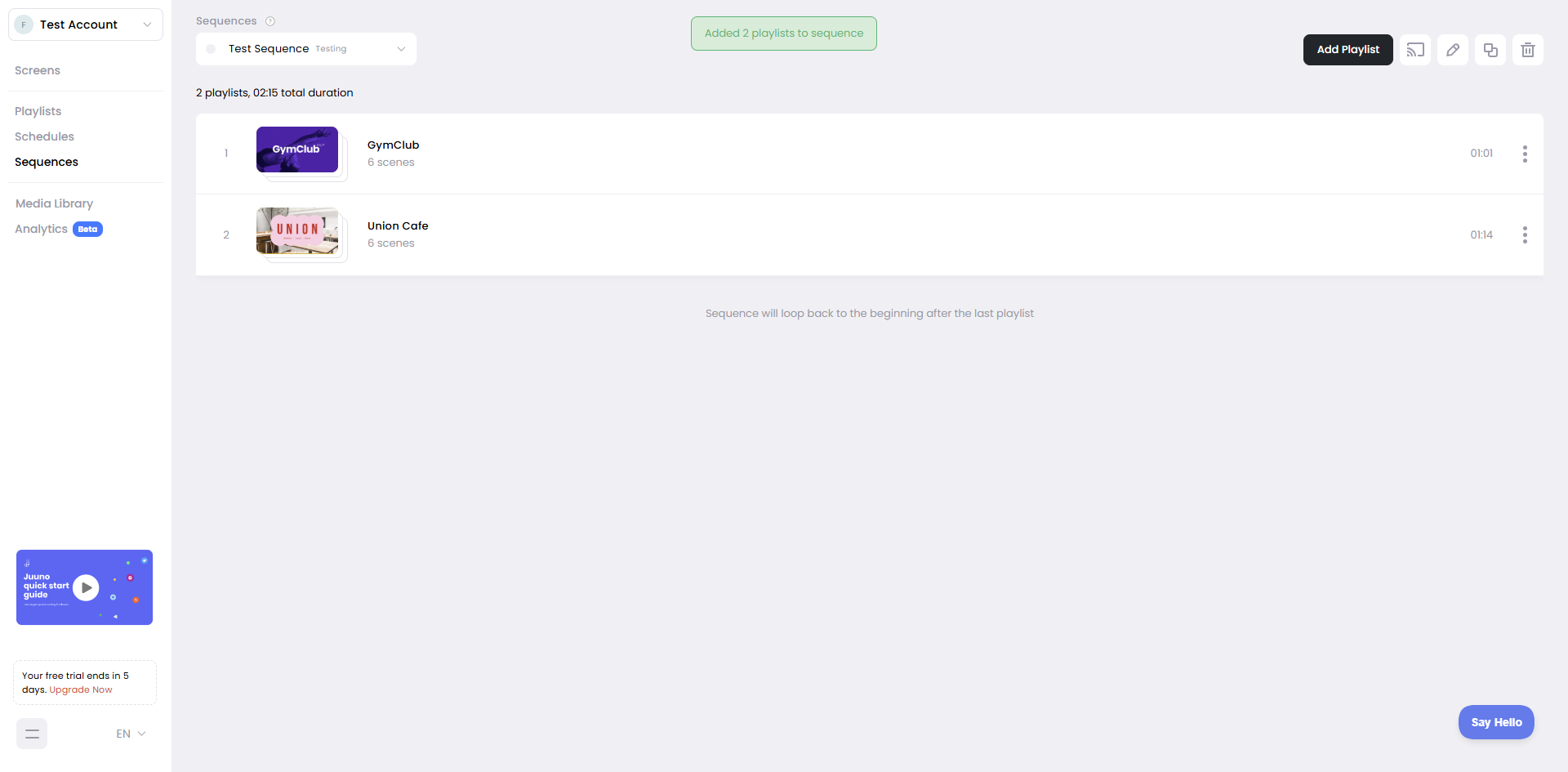
How sequences work
Add playlists to a sequence in the order you want them to play. When you cast a sequence to a screen, it starts with the first playlist, plays through its scenes, and then automatically moves to the next playlist. After the last playlist finishes, the sequence loops back to the first playlist and continues playing.
Sequences are useful for linear content flows—such as event agendas, multi-part presentations, or training modules that need to play in a specific order.
Sequences vs Playlists vs Schedules
Playlists loop continuously—same scenes over and over
Schedules repeat daily/weekly based on time blocks
Sequences play through a queue of playlists in order, then loop back to the beginning.
Creating sequences
Build sequences from the Sequences page. Add playlists in the order you want them to play, then cast the sequence to your screen. The sequence plays each playlist in order and automatically moves to the next one. After the last playlist finishes, it loops back to the first playlist.
If you add a playlist that only contains a single scene, it will be added with a 30-second duration by default. You can adjust the duration to make it play longer or shorter.
When to use sequences
Use sequences when you want playlists to play in a specific order—such as event agendas, multi-part presentations, or training content that should progress step by step. For everyday looping content, stick with playlists.
Learn more in When to use Sequences.