
Set Up Juuno on Your TV Browser
Use your smart TV's built-in web browser to display Juuno content without extra hardware. This works with most Samsung, LG, and Android TVs.
Before you begin: Make sure your TV is connected to the internet and you can access the web browser app.
Connect your TV
Open your TV's web browser using your remote.
Navigate to d.juuno.co — A unique activation code will appear on screen.
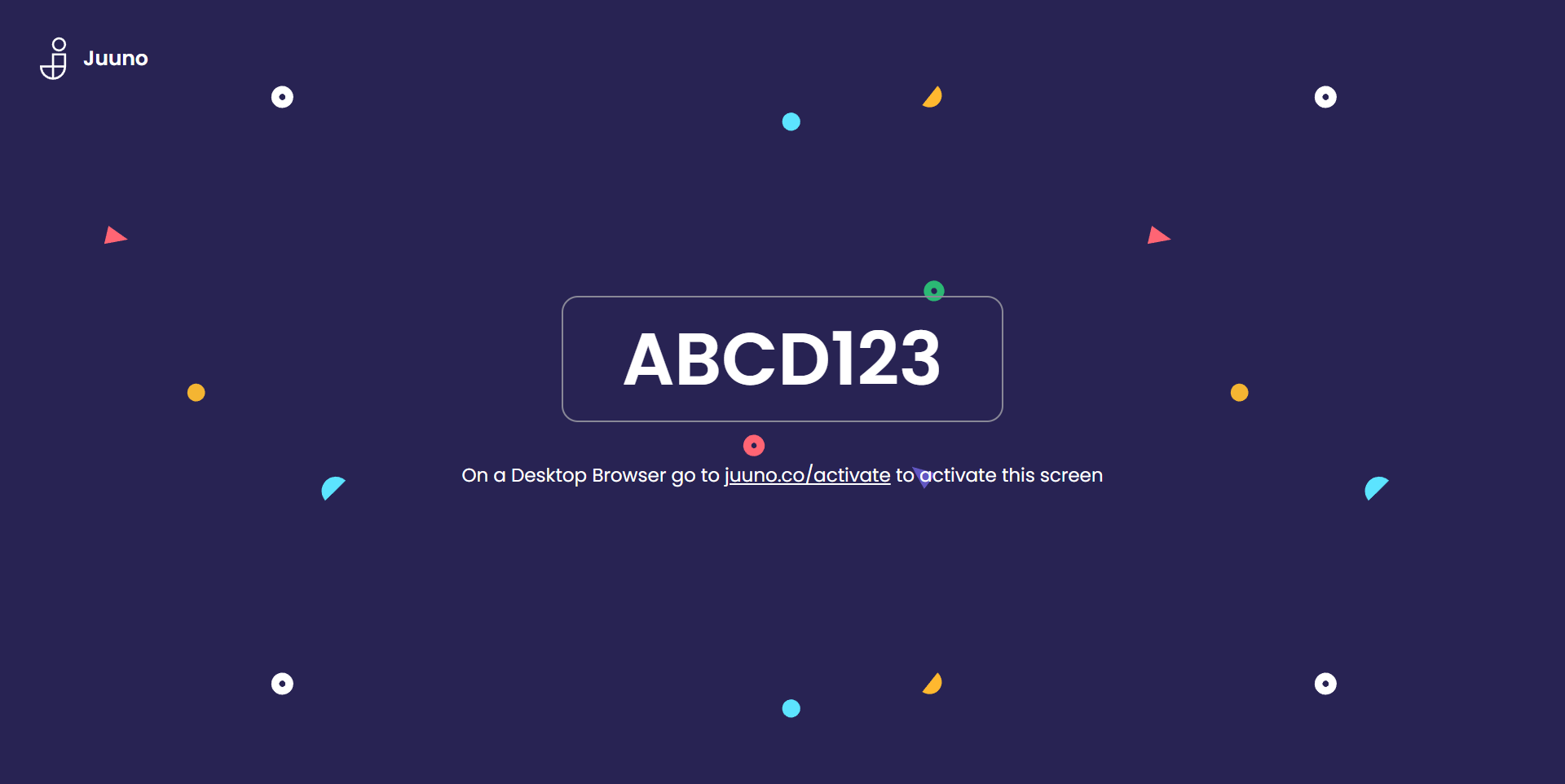
On your computer, go to app.juuno.co/screens and log in.
Click "Add Screen" or "New Screen" and enter the activation code from your TV.
Name your screen, set the content it should play and click Save.
Your content will start playing immediately. The TV browser will auto-refresh to keep your content up to date.
TV browsers are great for trials and simple setups. For 24/7 reliability and advanced features like proof-of-play, consider a dedicated player like Chromecast or Amazon Signage Stick.